This article explains how to connect AI Email (AIE) to Microsoft Dynamics.
You must be an AIE Administrator to integrate AIE with Microsoft Dynamics CRM.
Set Up the Integration
In AIE, at the top right go to Settings > Integrations.
From the Integrations list, select Microsoft Dynamics.
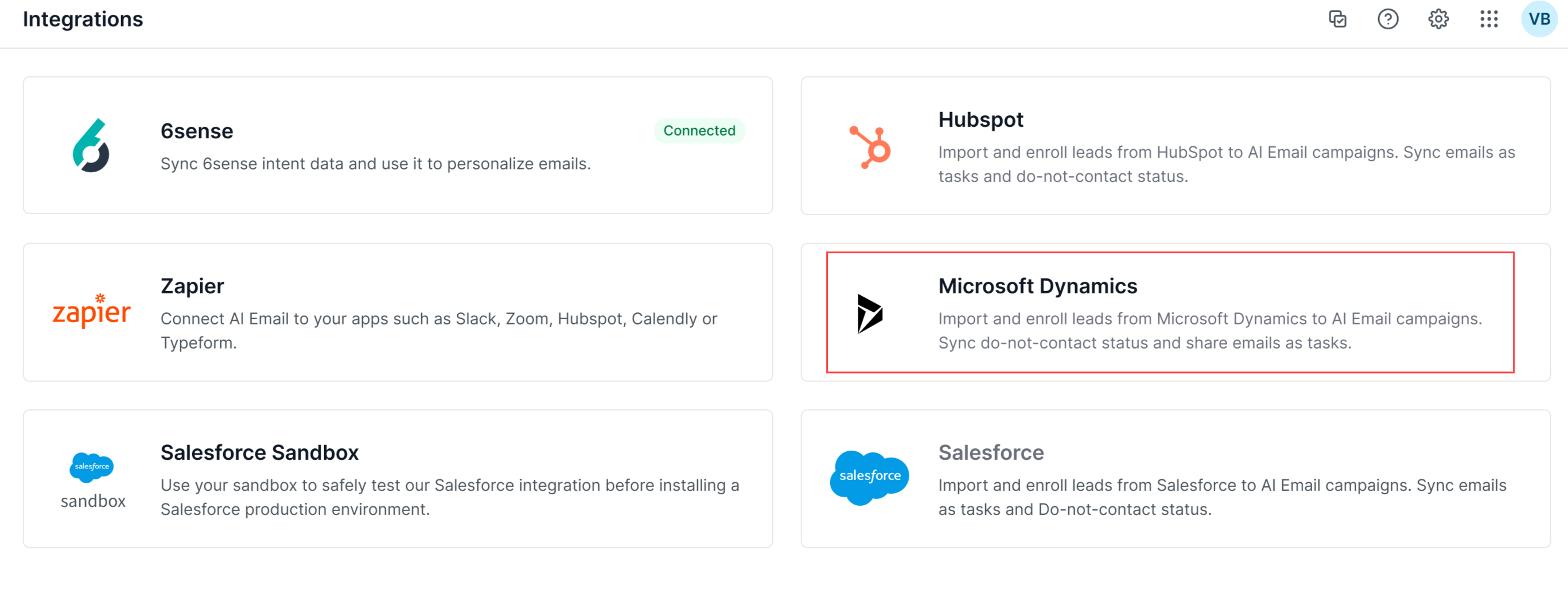
Select Connect.
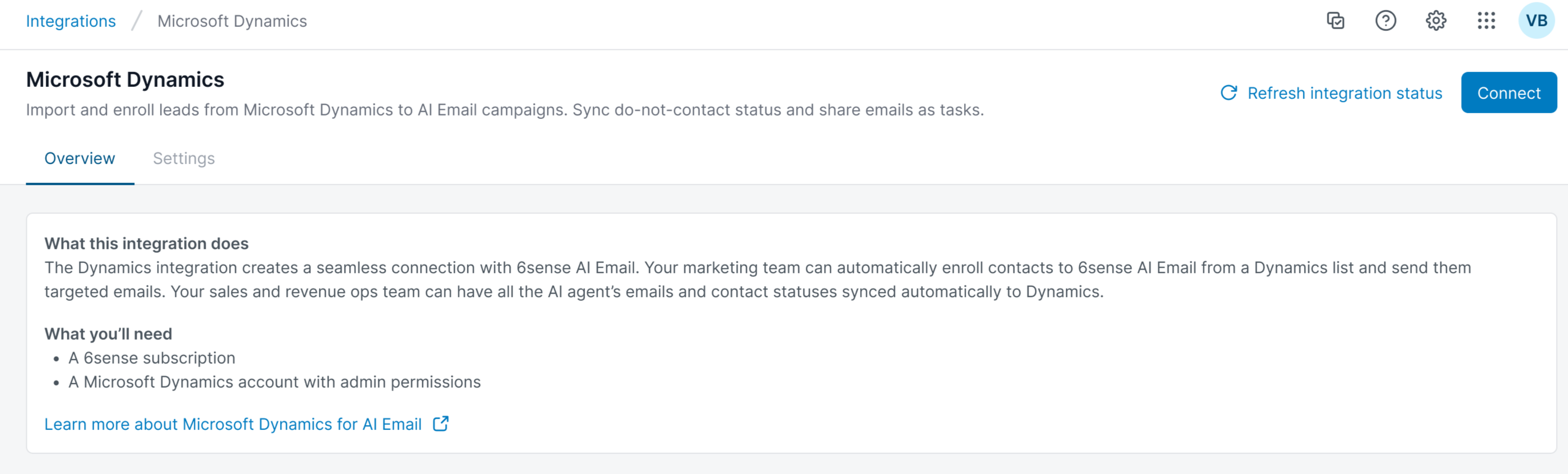
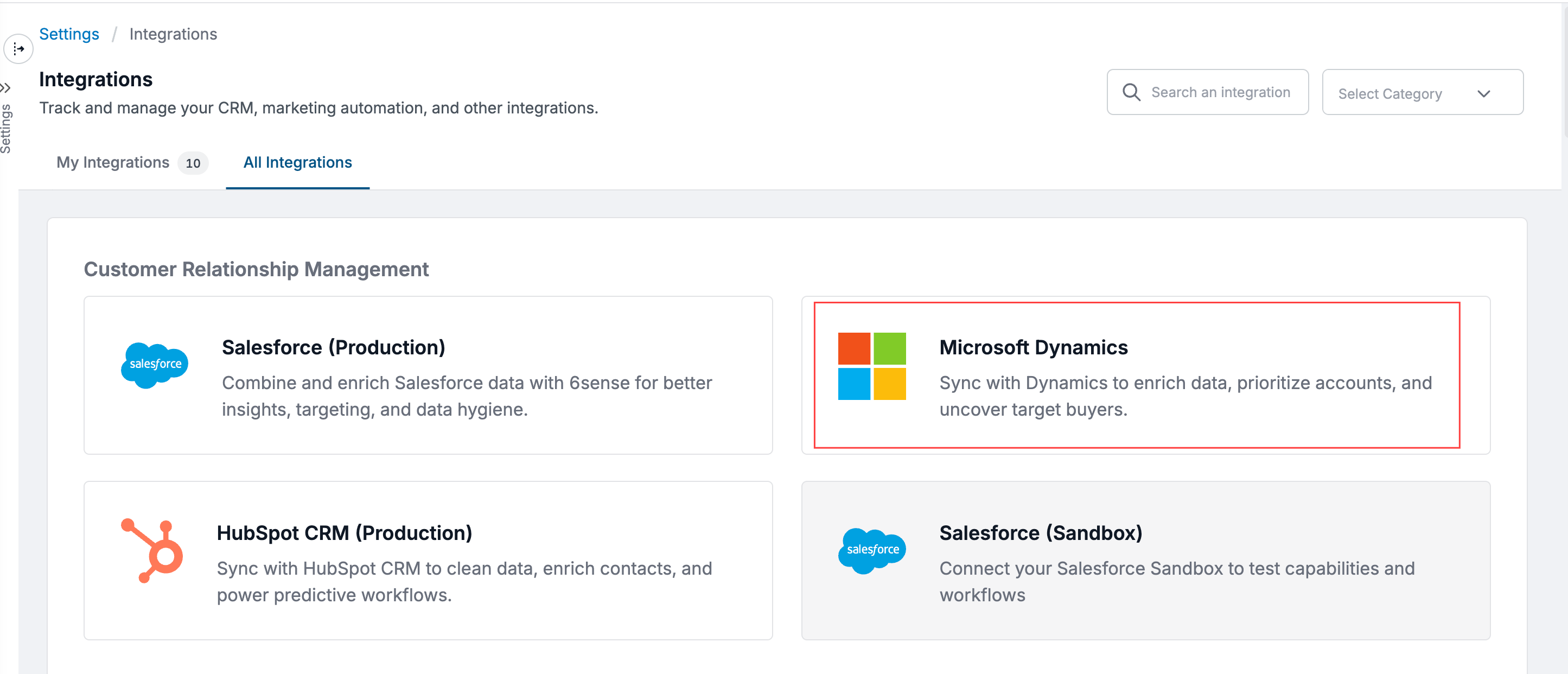
AIE redirects to the 6sense Integrations Settings page.
Select Microsoft Dynamics.
Follow the instructions at Integrate 6sense with Microsoft Dynamics 365 to continue setting up Microsoft Dynamics CRM integration, with the correct permissions.
After successfully completing Step 5, go back to the AIE Integrations page and confirm that your Microsoft Dynamics integration is Connected.
.png)
If you set up the Microsoft Dynamics CRM integration but the status in AIE is still Not Connected, click the Refresh to update button to update the status.
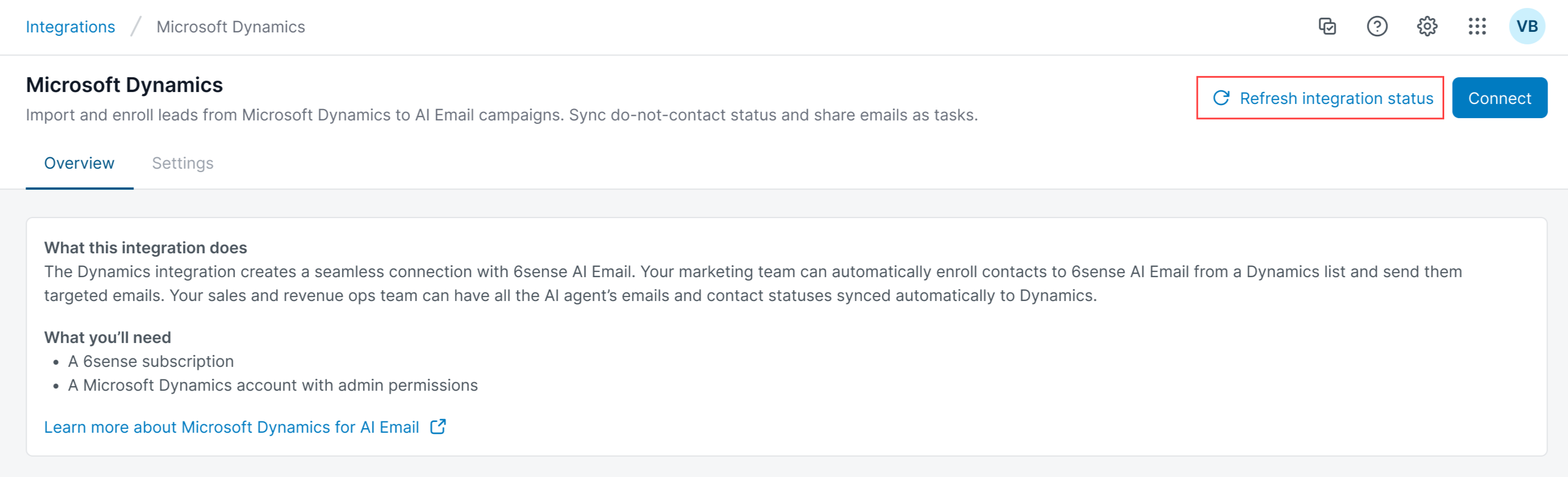
Note: If the status remains In Progress after you refresh it, contact 6sense Support or your Customer Success Manager (CSM) for assistance.