Adjust settings for AI Email by selecting the Settings gear icon in the top bar.
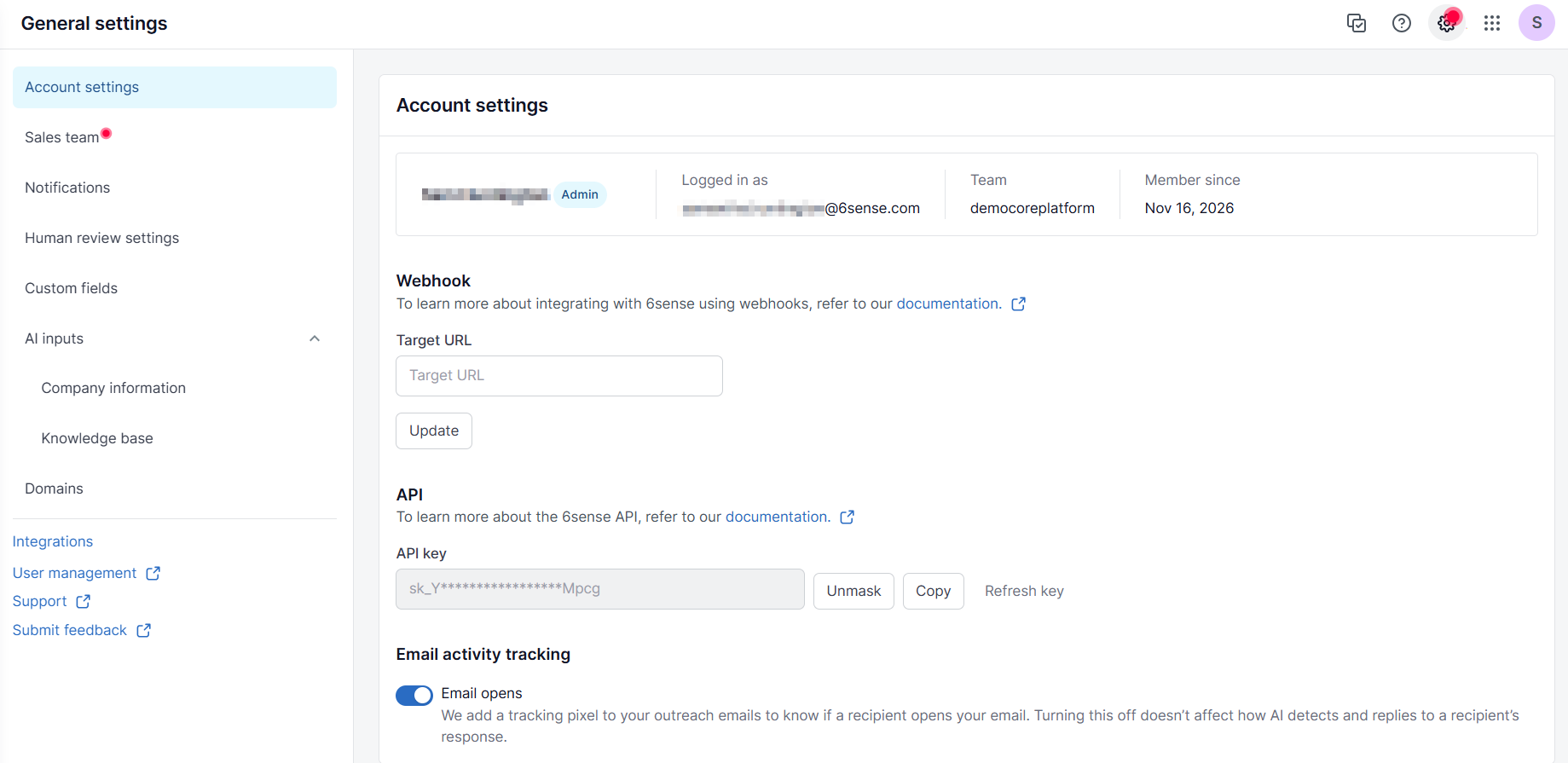
Account settings
These settings apply to your personal AI Email account. Set up webhooks, API key, and email tracking.
Beginning November 2026, you can toggle whether to add a tracking pixel to your outreach emails to know if a recipient opens your email. This helps customers be in compliance with restricted region laws for tracking.
Sales team
Select Sales team to manage your sales team. Refer to Add and Manage Sales Reps for AI Email for more details.
Manage team
Select Manage team to add or remove team members from AI Email. Refer to Add and Remove AI Email Team Members for more details.
Notifications
Select Notifications to create and edit email notifications for AI Email updates. Refer to AI Email Weekly Qualified Contacts Notifications for more details.
Human review settings
Select Human review settings to set the human review owner for AI Email. Refer to Set the Human Review Owner in AI Email for more details.
Custom fields
Select Custom fields to set up custom fields for AI Email. Refer to Add Contact and Account Custom Fields in AIE for more details.
AI inputs
Select AI inputs to configure the AI inputs to AI Email. Refer to Update AI Personalization with Content Samples for more details.
Domains
Select Domains to configure domains for AI Email. Refer to Set Up an AIE Email Domain Limit for more details.