6sense supports many integrations with other software.
This page briefly describes the integrations interface. For specific instructions to integrate with a 3rd party platform, refer to the documentation links in the List of 6sense-supported integrations below.
Access integrations settings
To access integration options, go to Settings > Integrations.
Existing integrations
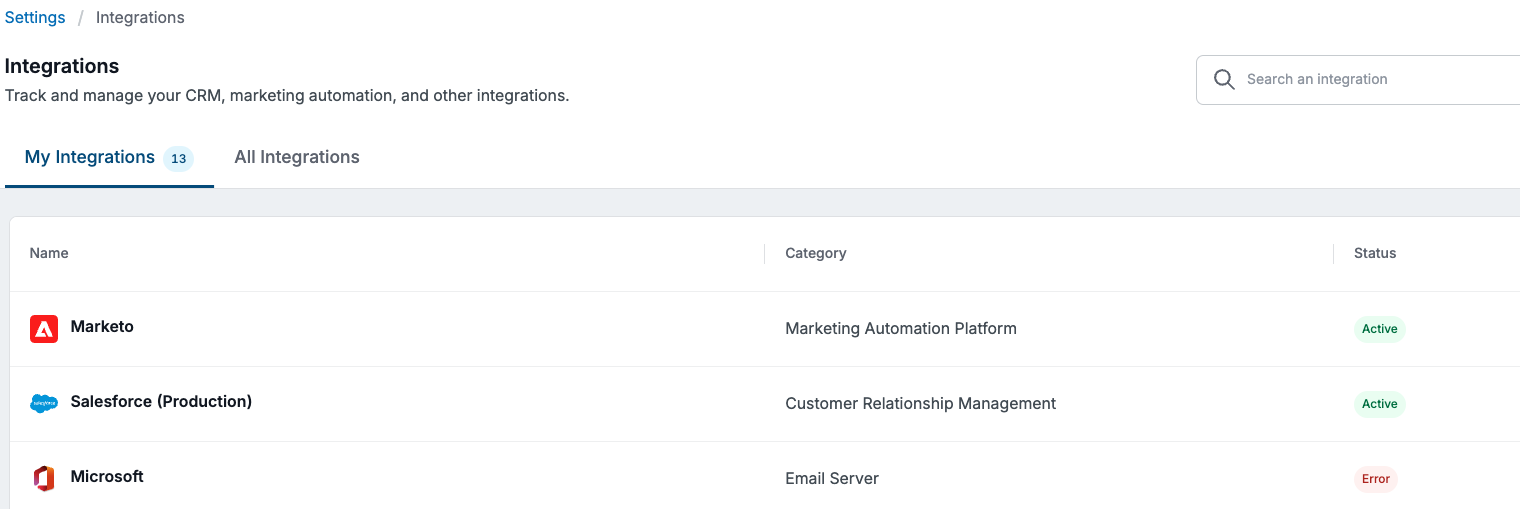
The My integrations tab lists all the integrations set up for your organization, including the category and status.
An error status usually means that the credentials aren’t working and need to be updated.
All supported integrations
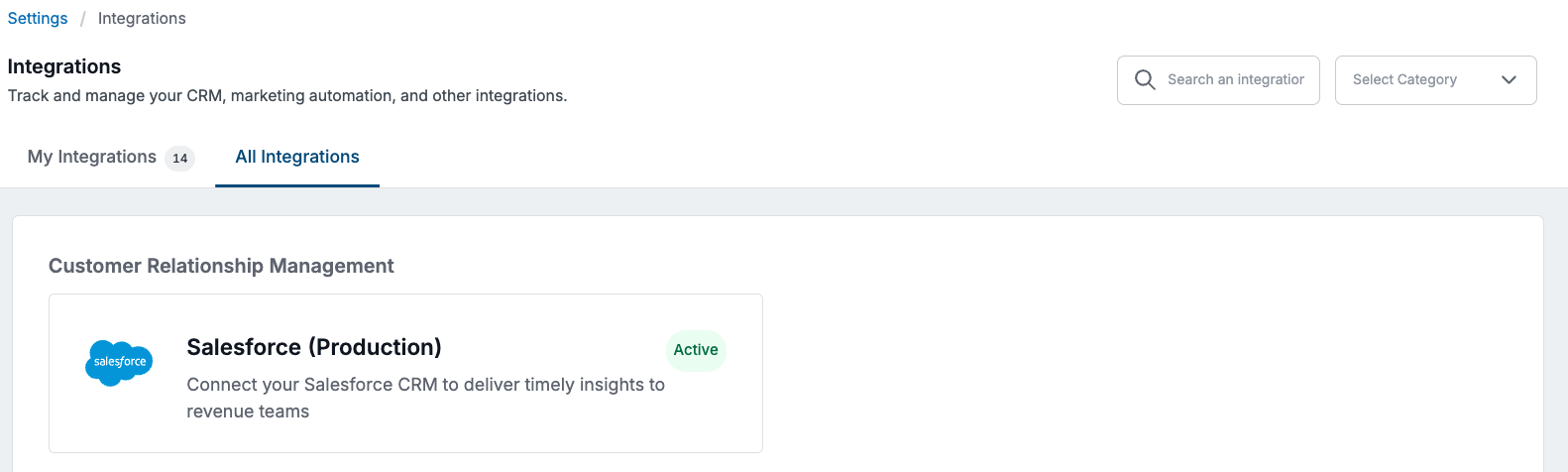
The All Integrations tab lists all possible integrations, separated into groups by the integration type (MAP, CRM, SEP, etc.) You can navigate to a specific category using the dropdown list at the top left, or search for a specific integration.
List of 6sense-supported integrations
For some listings of supported versions see Supported Versions of Integrations.
Customer Relationship Management (CRM)
Salesforce
Marketing Automation Platform (MAP)
WebTag and APIs
Intent
Email Server
Advertising
Sales Engagement Platform (SEP)
Messaging
AI Email
Integrate AI Email with 6sense from the 6sense Side and Integrate AI Email with 6sense from the AI Email Side
Data Warehouse
Object Storage - S3
Integrate 6sense with AWS S3 and Set Up S3 Bucket Policy Permissions
6sense iFrame in Gong
Integrate 6sense with Gong and Integrate Sales Intelligence with Gong Engage